
1) Choose a Basemap Context
Switch between Google Hybrid/Streets, OpenStreetMap, and Esri World Topo/Dark Gray views to set the right visual context.
Geox is a Leaflet-based web mapping application designed for dynamic layer exploration, map comparison, and practical geospatial workflows. The platform combines basemap switching with publicly available WMS/WMTS overlays and interactive map tools so users can inspect, compare, draw, measure, and export directly on the map.
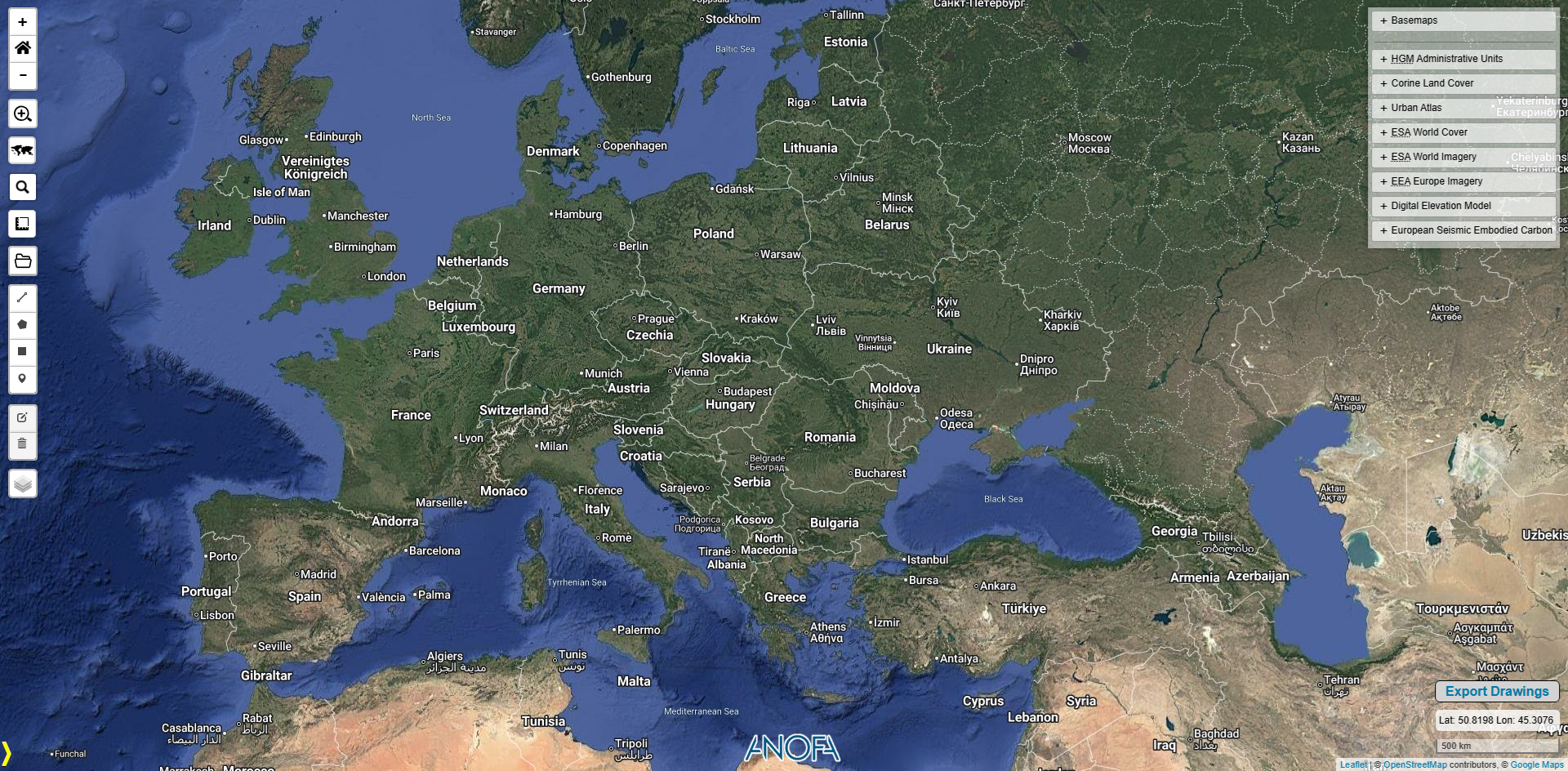
Geox structures map work from basemap selection to thematic overlay analysis, with swipe-based visual comparison and grouped layer management.
Switch between Google Hybrid/Streets, OpenStreetMap, and Esri World Topo/Dark Gray views to set the right visual context.
Stack public datasets such as Corine CLC, Urban Atlas, ESA WorldCover, EEA imagery, SRTM30 DEM, and HGM administrative units.
Use panel-based controls and swipe comparison to evaluate temporal and thematic differences across datasets.

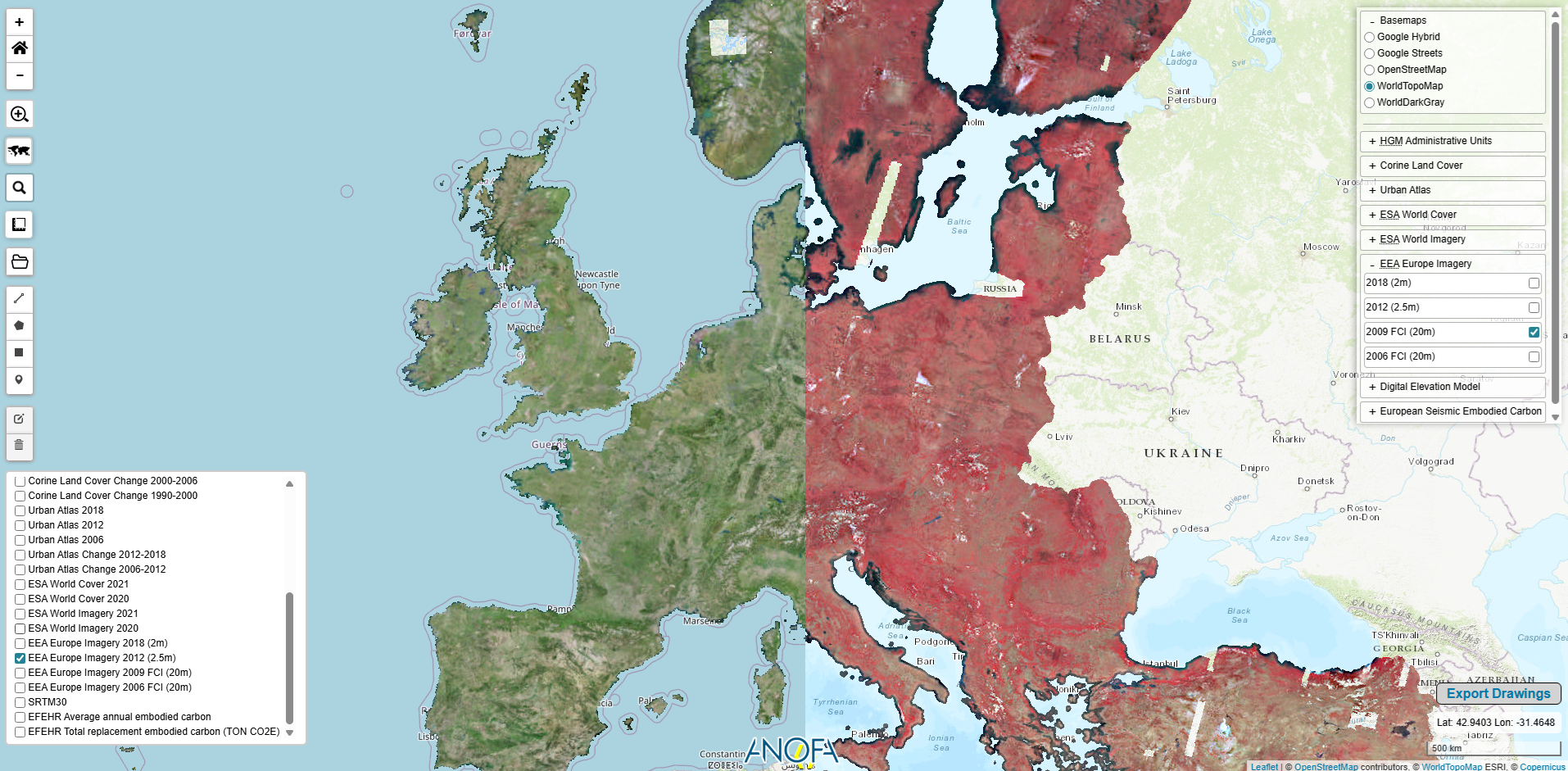
Geox blends Tile, WMS, and WMTS services in a single Leaflet map, supported by BetterWMS queries, grouped controls, and legend-driven thematic interpretation.
Beyond visualization, Geox supports search, measurements, coordinate readout, drawing/editing, and dataset import/export for practical daily map operations.

The current Geox configuration includes publicly available European and national reference layers for land cover, imagery, elevation, and administrative context.
Watch Geox workflow demos for layer analysis, map interaction, and export workflows.
Navigate from basemap context to thematic overlays, then analyze, annotate, and export your findings in one streamlined map interface.
Launch Geox